

Trusted by 600+ Cake Businesses
Cake Care & Cutting Card Templates
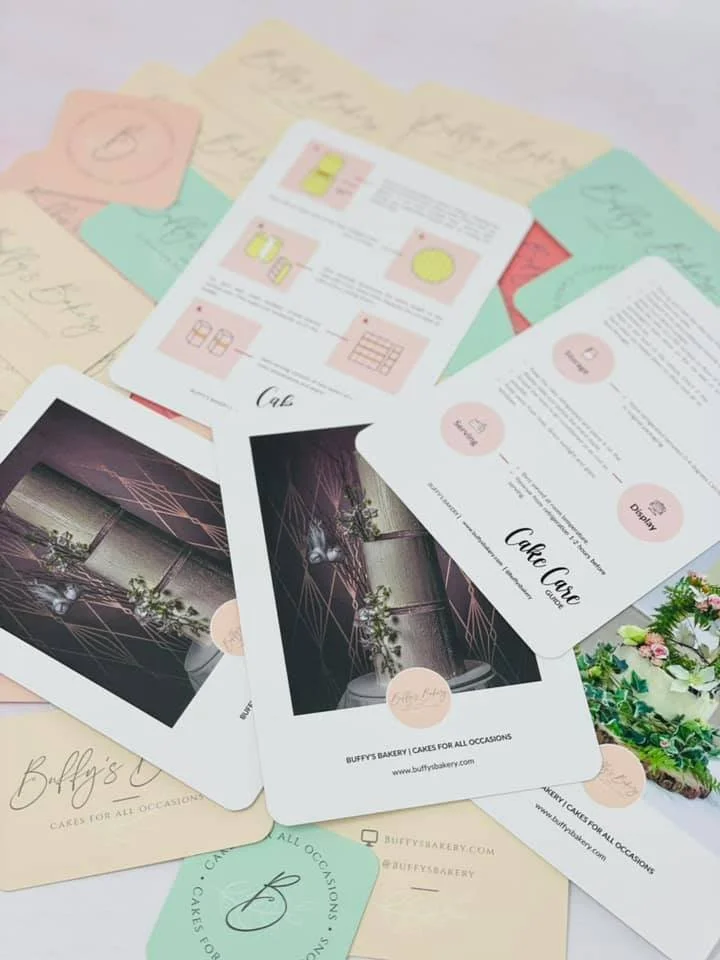
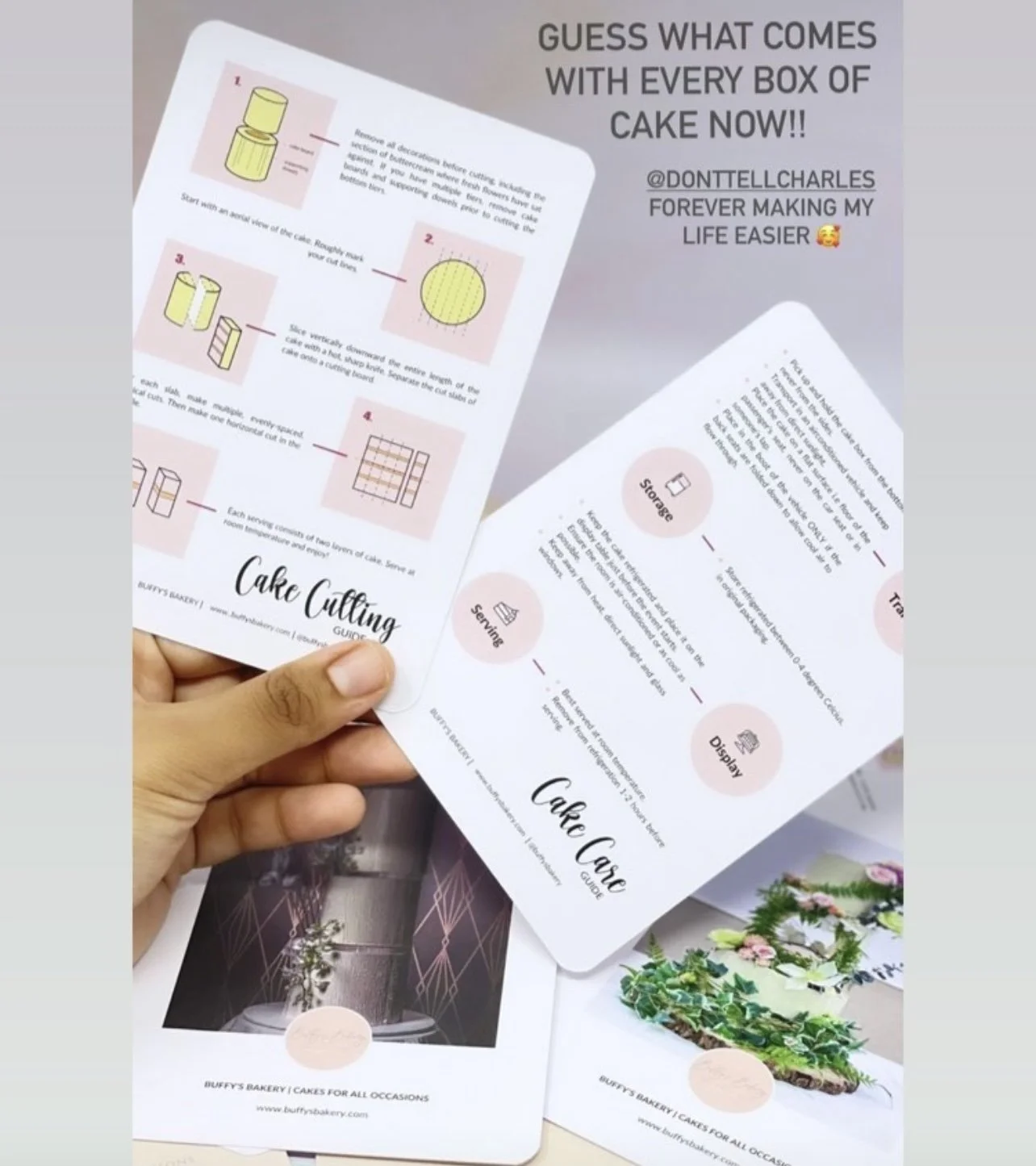
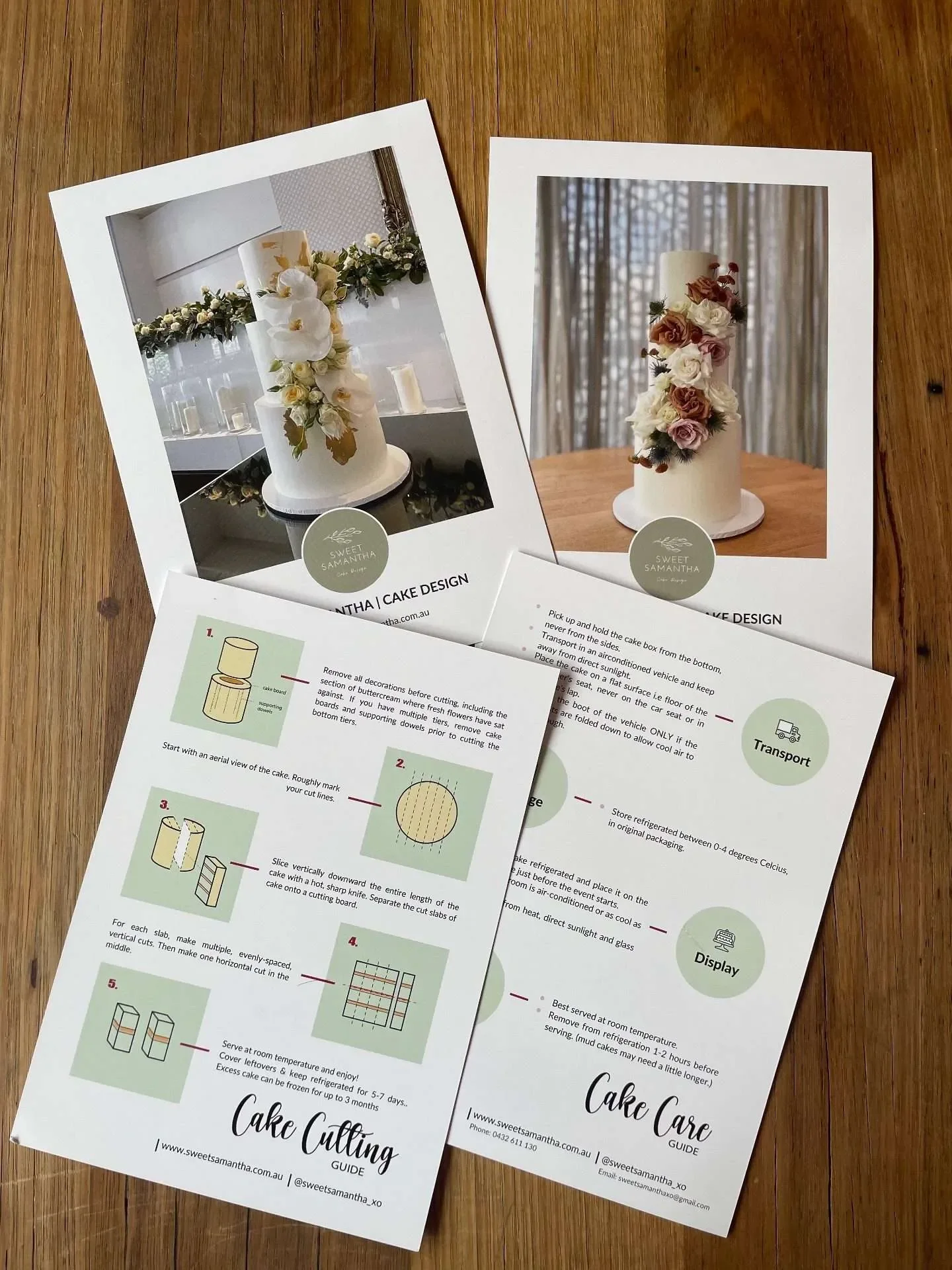
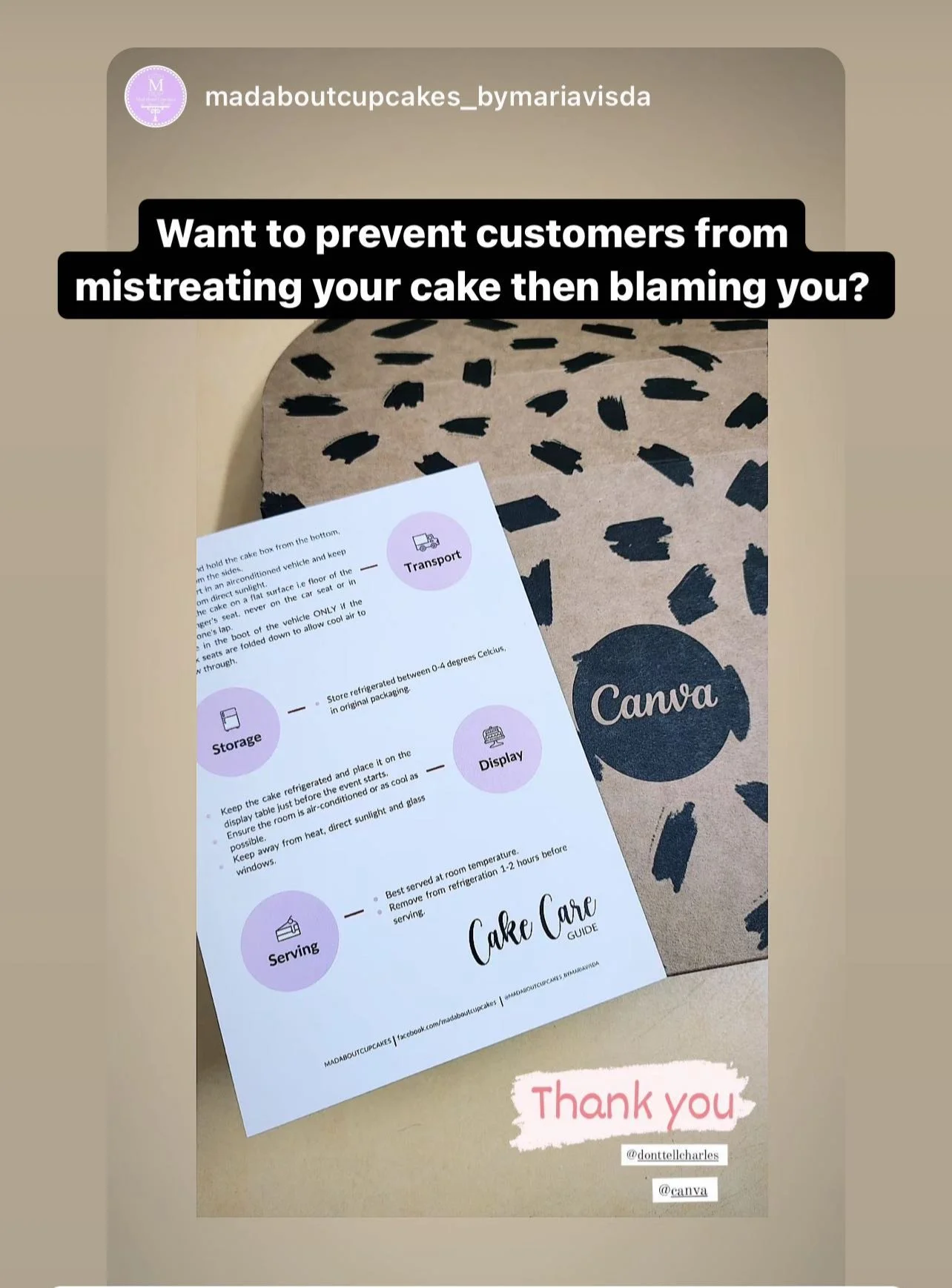
Don't just tell clients the instructions verbally. Give them a Cake Care & Cutting Guide Card.
USD $35
What you get
-
It only takes 10 minutes to add your business details, choose a colour, insert images, save the file and print!
✓ A6 size, 105 x 148mm with a 3mm bleed
✓ Printable Cake Care Card Template
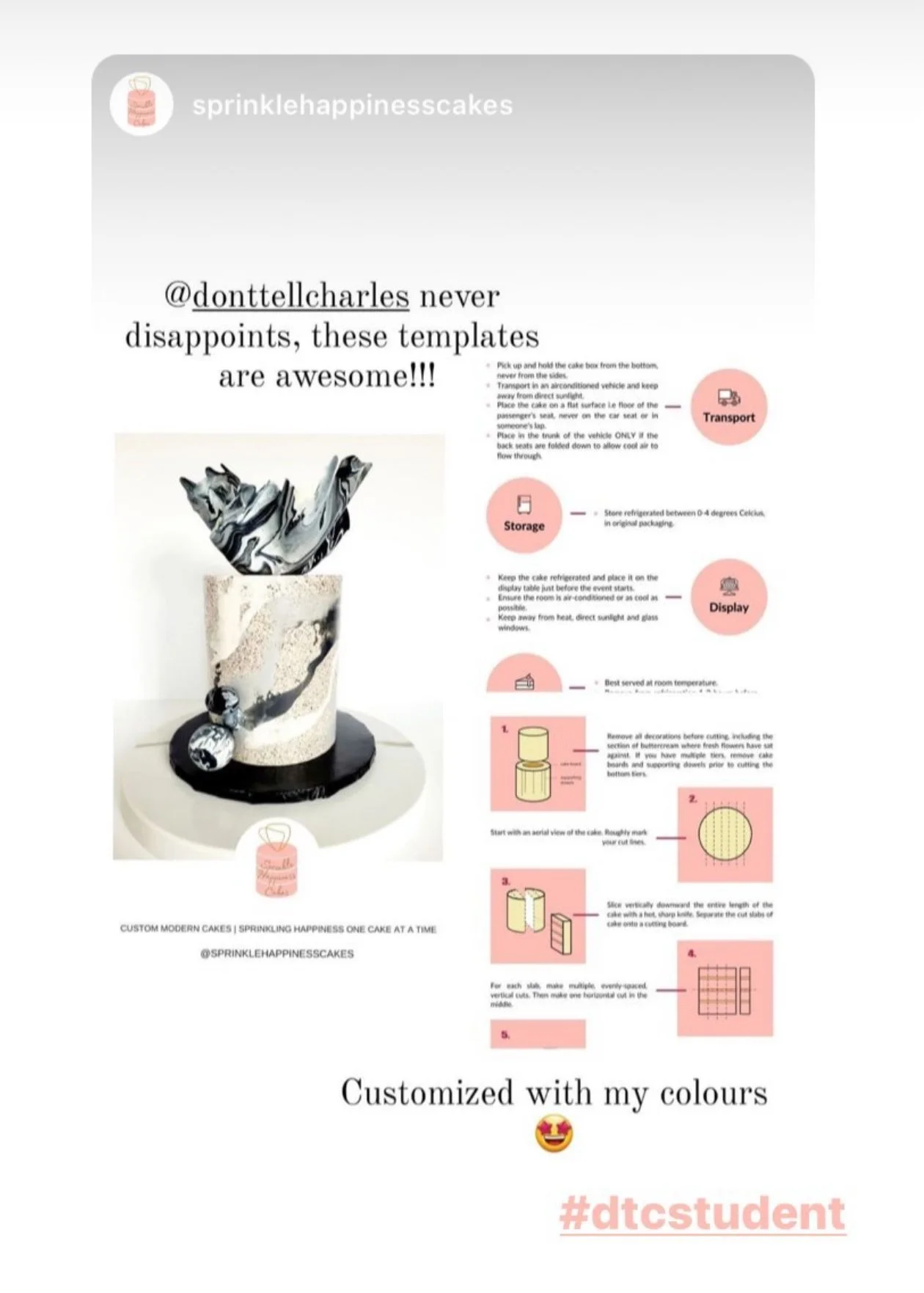
✓ Printable Cake Cutting Card Template
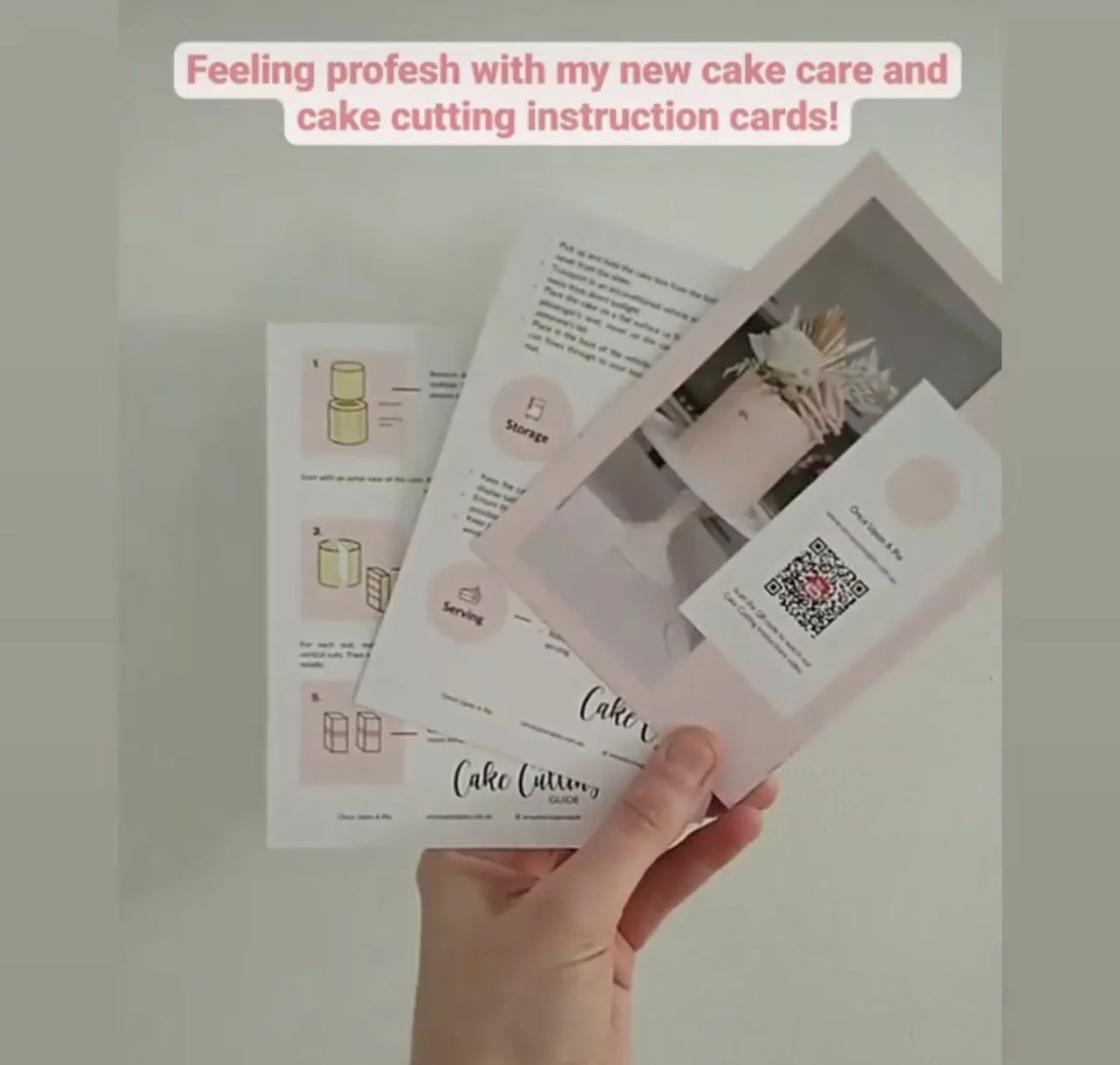
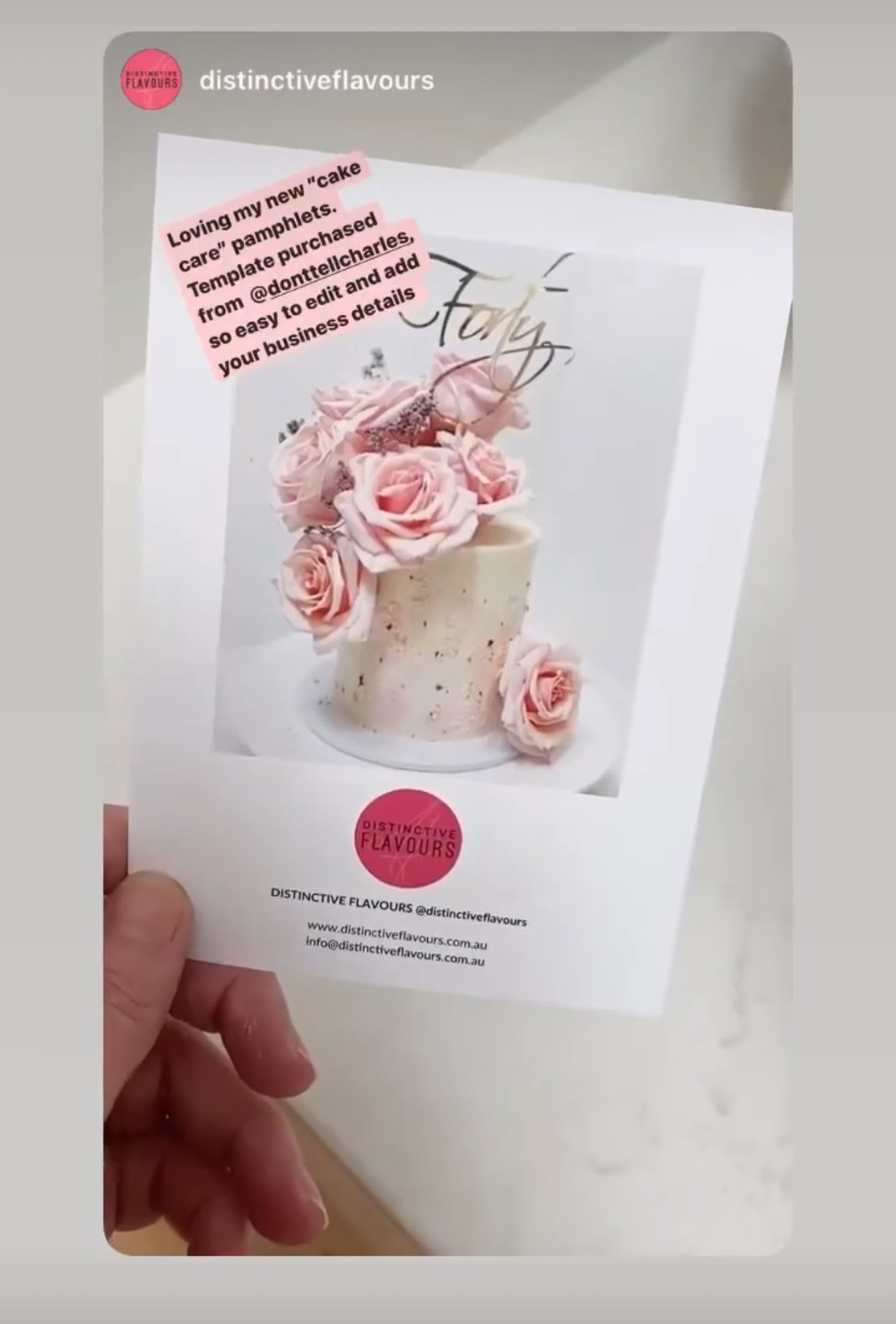
✓ Two front page templates, one with the option of having a QR code which links to your own cake cutting video.
-
Super easy and detailed edit instructions, including how to prepare files for printing.
✓ Templates in PDF (for Adobe Illustrator) and Canva format
-
Choose from the three preset colours or use your own branding’s colours.
✓ Include free font use
USD $35
💌
-
"What an incredible purchase this was!"
Can’t recommend this enough. It was the easiest to put together. I used Canva for the first time and the steps were so easy and simple to follow - just like her cake recipes! Some of my clients have already given me postive feedback. Thank you!
Bindiya Ganesh
-
"Great add-on for your branding ♥️."
I love how this cards takes my cakes and branding to another level. Giving clear instructions and guidelines to my customers. It’s so customisable to fit any styles. Love it!
Maureen
-
"Best care guides with everything you need!"
These care guides were so simple and easy to use to make my own! I have received so many compliments on these from both customers and venues!
Samantha
Important Information
Unlike typical downloads sent by email, all our templates and instructions are stored in your DTC Online School account. This keeps everything in one place, making it easy to access anytime without digging through old emails.
-
> To edit the templates using Canva, you will need to have a free Canva account. Don’t have one? Sign up for free here.
OR
> To edit the PDF templates, you will need to have Adobe Illustrator installed on your computer. If you don't already have Adobe Illustrator and know how to use the program, go with the Canva templates. They are much easier to edit and Canva is free.
> The font used in the template is Lato which is a free open font. You can download Lato for free here and install it on your computer prior to opening the PDF templates.
-
Photographs and images used in the examples are for demonstration purposes only. The template files do not contain stock images. You will need to provide your own licensed images.
Note: This does not apply to icons and illustrations, which are included in the templates.
-
License
This purchase grants you ONE commercial license only. You are able to use the licensed template for the below permitted use:
Physical prints (up to 5000 prints);
Digital prints such as attachment to emails sent to clients (up to 5000 copies)
Prohibited Use
On-Demand Applications (Such as Print-on-Demand and Create-on-Demand Services).
Business Social Media accounts
Physical or Digital Marketing and Advertisements
Website Software Development, Mobile App Development, Desktop Application Development, and Video Game Development
The License does not permit the following:
Reproduce or use any of the templates for commercial purposes outside of the permitted uses, including reselling the templates;
Redistribute the template in a tool or template, or with source files;
Share or sublicense the templates;
Use the templates in an application where users are invited to build or design their own products using the templates as a template for a final product.